A growing collection of experiments, notes, tiny breakthroughs, and probably a few happy accidents as I learn how movement can make digital experiences feel more human.
Motion is measured in milliseconds. At 60 frames per second, one frame is about 17ms—but the right duration depends on what is moving and how often it moves.
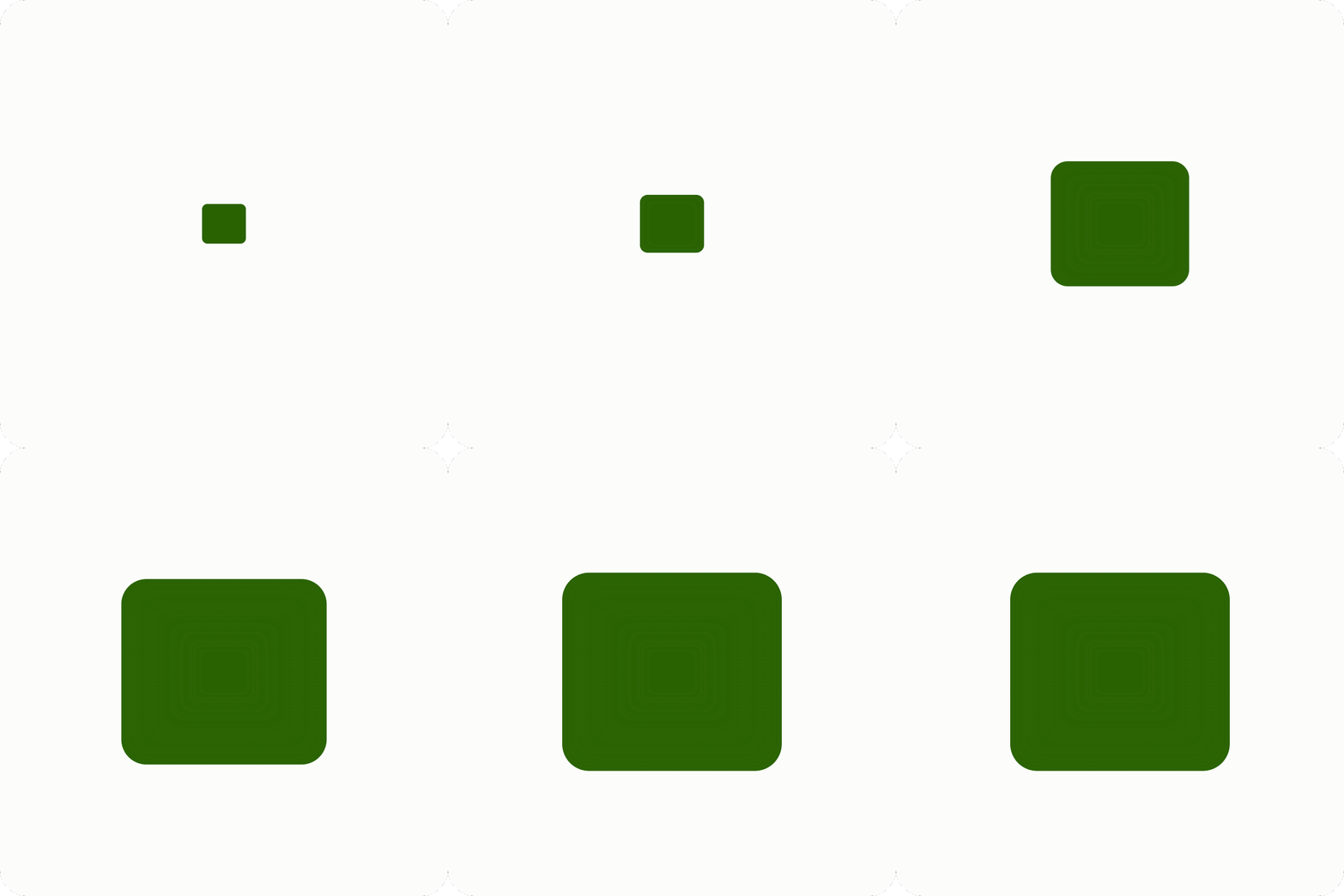
Same distance, different durations
100ms
250ms
500ms
1000ms
Farther or bigger means longer. A tooltip moving 8px needs less time than a sheet sliding up the whole screen.
Frequent motion should be faster. Something a person triggers 50 times a day has to get out of the way.
Never make someone wait. If people notice they are waiting for the interface to finish moving, it is too slow.
Duration
How it feels
Typical use
Under 100ms
Instant
Hover states, color changes
100–200ms
Quick, responsive
Button presses, toggles, small fades
200–400ms
Noticeable, smooth
Menus, toasts, cards appearing
400–600ms
Deliberate
Full-screen transitions, big moves
Over 600ms
Slow, cinematic
Onboarding and marketing; rarely product UI
Why motion matters
Four jobs: orientation, feedback, transition, and narrative.
Motion essentials
Timing, sequencing, easing, transformation, exaggeration, and keyframes.